

THE SHOPIFY INTEGRATION THAT SPEEDS UP YOUR WORK
Bring Shopify data securely into Modash to track sales, orders, discounts and product data in one dashboard.
14-day free trial • No credit card required
How it works
Connect to your Shopify once, and manage discount codes, product gifting, and affiliate tracking
from Modash.
Integrate Shopify and bring all your influencer work into Modash
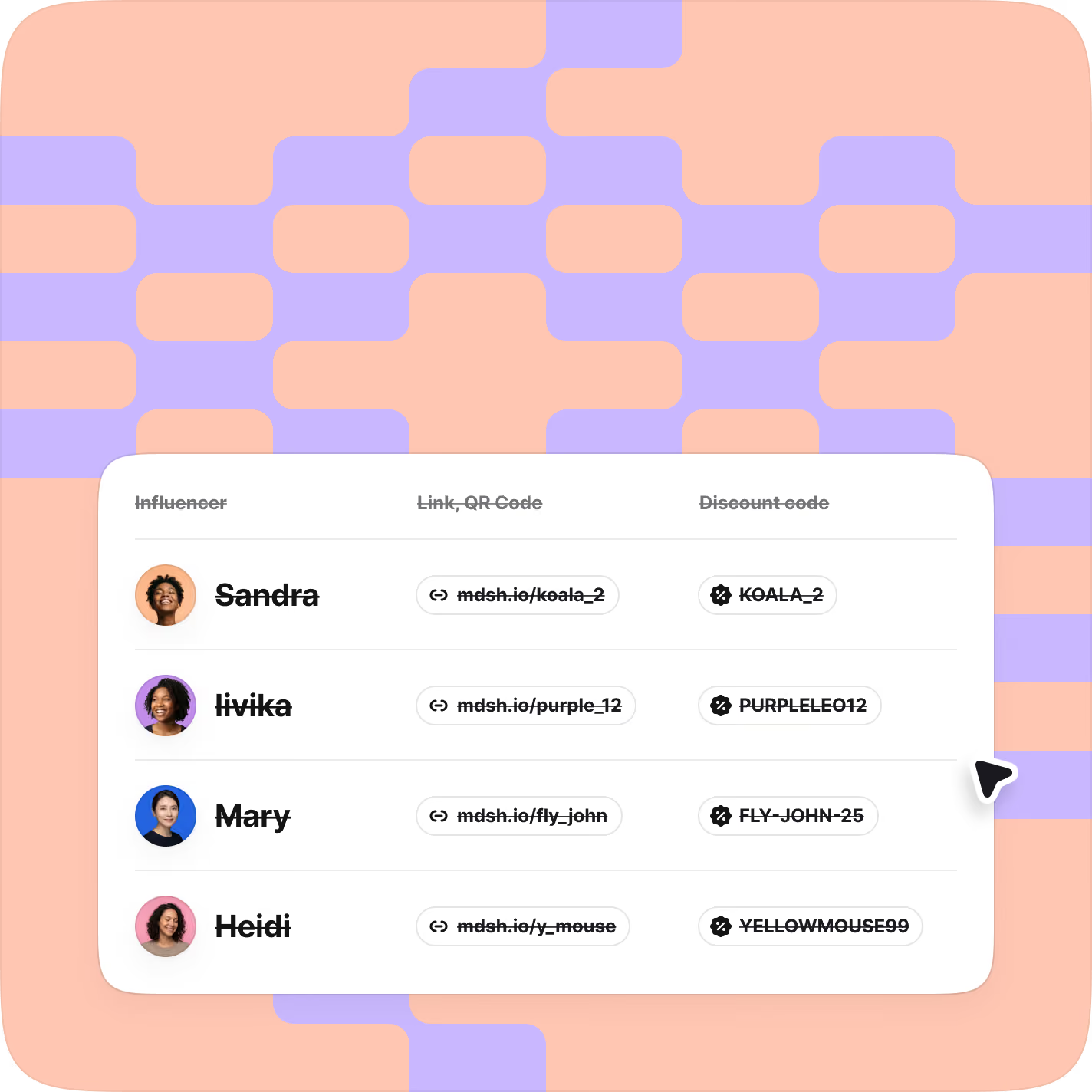
Create, import & manage codes
Manage your creator promo codes and see redemption data in Modash. Control stacking rules, usage limits, and start/end dates so each code behaves how you want.
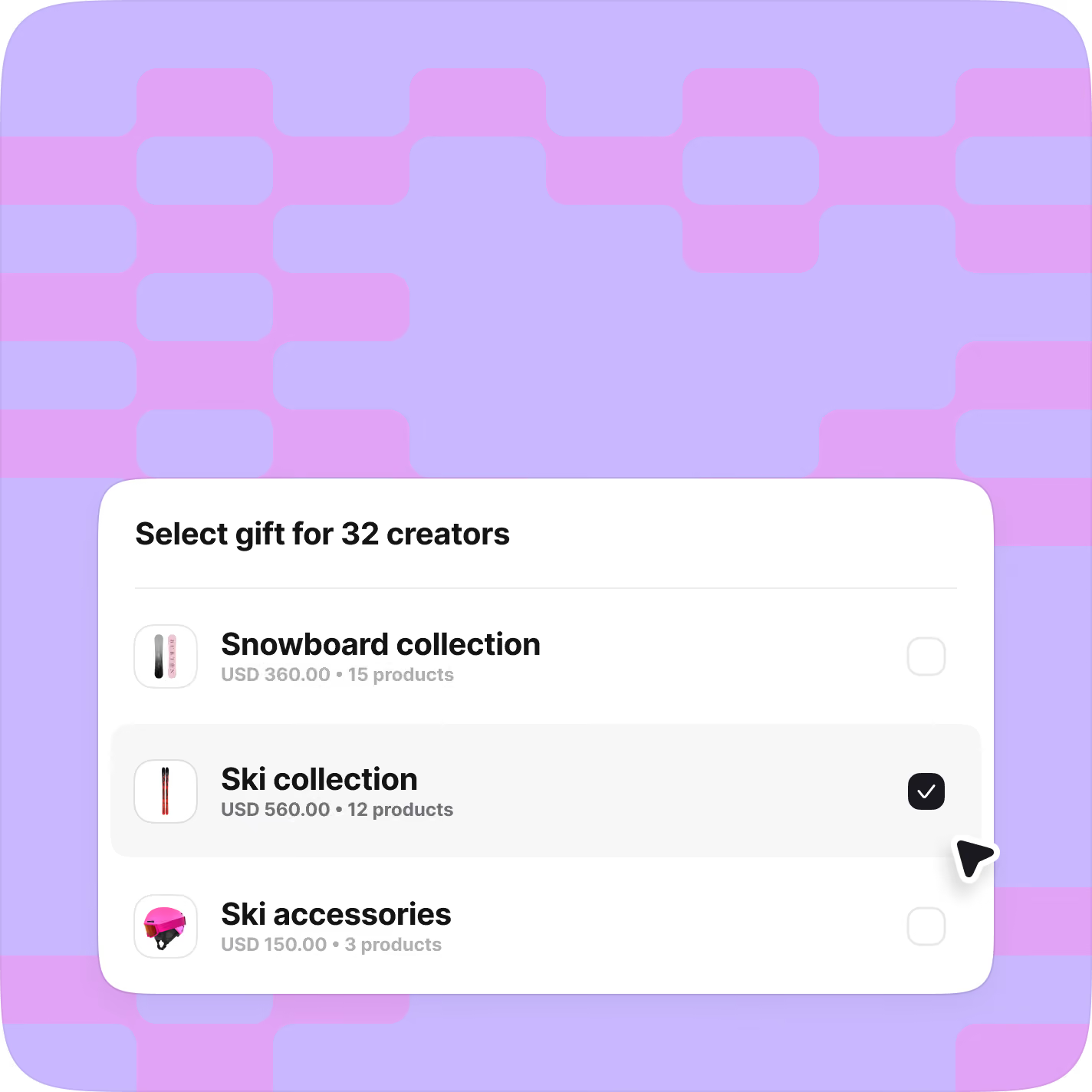
Send products to creators
Set up a gift offer with eligible products and a budget cap. Bulk-send it to creators, and they get a link to order themselves. No manual orders, no address chasing, and fulfilment statuses are tracked in Modash.
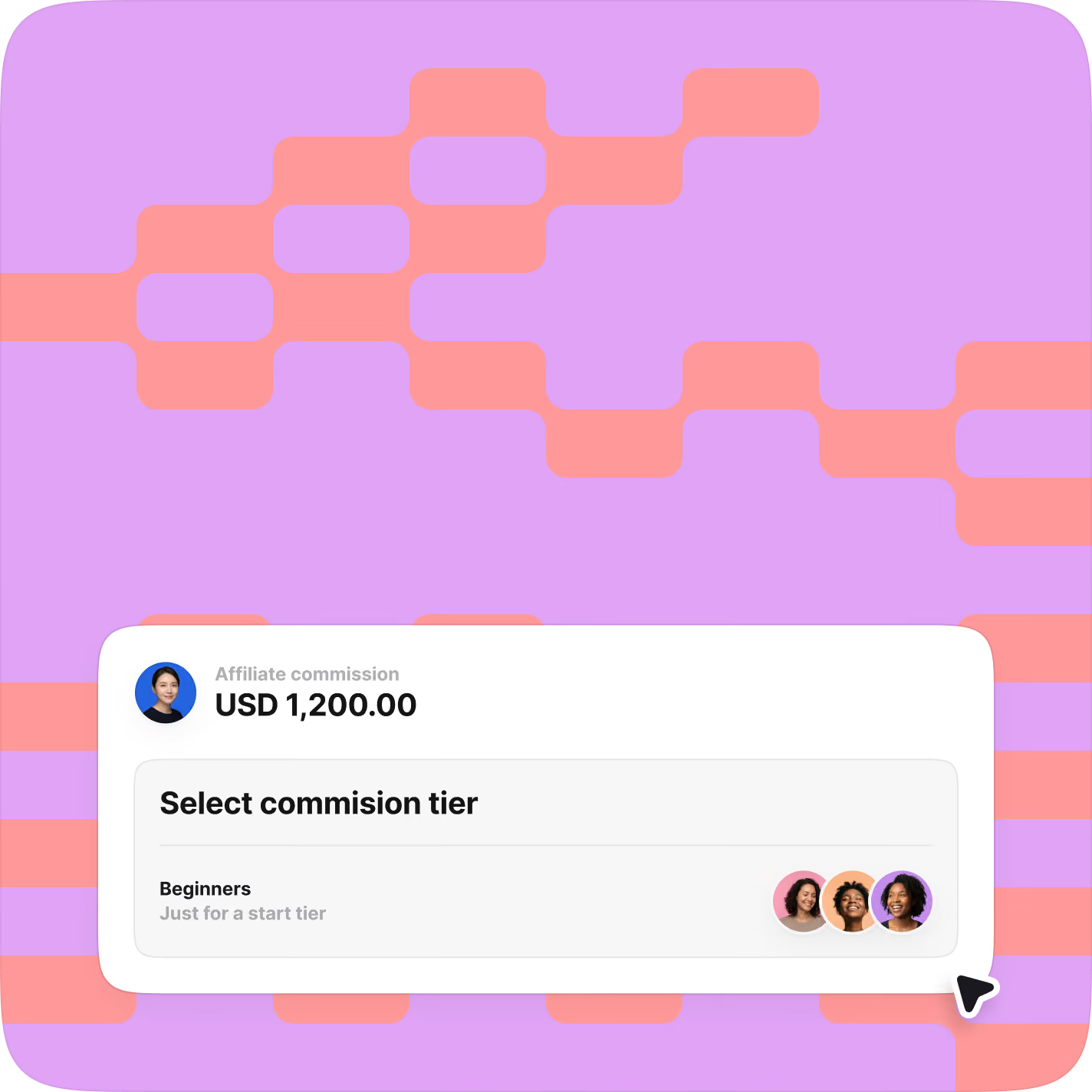
Run your affiliate program in Modash
Bring your commission-based partnerships into the same place as your other collabs. Build commission tiers, track sales, manage payouts, and more.
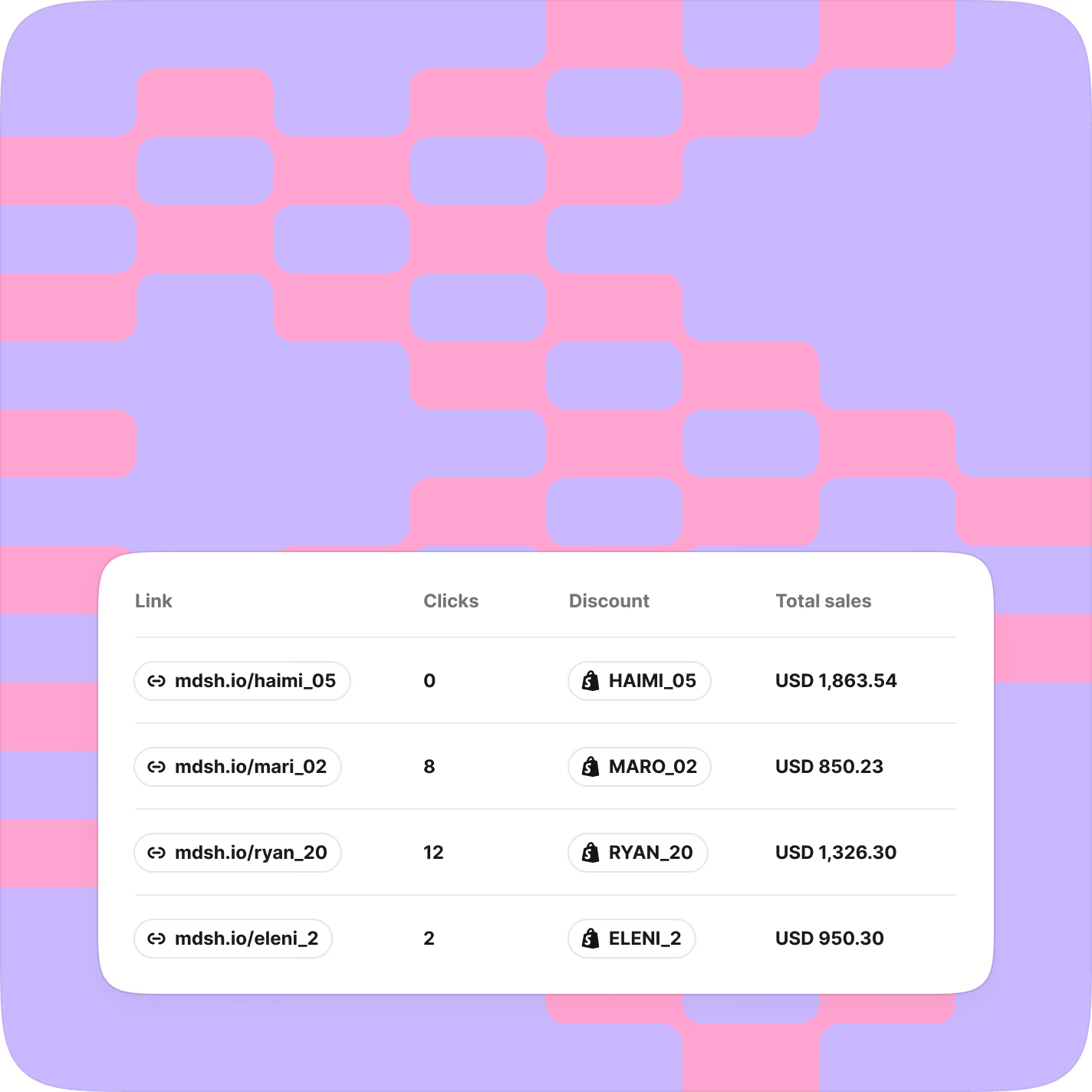
Sales tracking and attribution
Attribute Shopify sales to creators by links, codes, or both. See attributable revenue per creator and overviews per campaign.
Built for advanced Shopify setups
Multiple storefronts? Hundreds of codes to maintain? Modash is built
to handle scale and complexity in Shopify-based influencer workflows.

Geo-routed link clicks
Give creators tracking links that automatically route their clicks to the right storefront per country.

Multi-store promo codes
In Shopify, codes only work in one store. In Modash, create an influencer's code once, and it'll work on all the storefronts you choose. With sales reported in one place.

Control over every code
Choose whether codes apply to all customers, or only new ones. Whether codes stack on other discounts, or not. Usage limits, expiry dates and more. Full control.
From constant tab-switching to full overview & control
When codes, links, orders, and performance live in one place, it’s easier to move fast with confidence.
Tab-switching
Creator activity and revenue disconnected
Reporting across Shopify, sheets, inbox
Discount code operations cause mistakes
Gifting needs constant follow-ups
ROI proof is slow, manual
Overview & control
Creator work and outcomes connected
Attribution across clicks, codes, orders
Discount codes with clear rules
Easy product sending with status tracking
Revenue proof by creator, campaign, fast
When you bring Shopify into Modash, you move a lot faster

Two-way
sync

Less context-
switching

Full-funnel
overview
Here’s what
customers say






Connecting Shopify is what turns Modash into an end-to-end workflow for influencer and affiliate programs. It unlocks:
- Product gifting: Send products with one-time codes, so creators can choose items and place the order themselves.
- Sales tracking: Attribute revenue to discount codes and affiliate links (requires Affiliates and Payments). See conversions and ROAS in one place.
- Affiliate programs: Set commission rules, track affiliate sales, and manage payouts.
- Tracking links and codes: Generate affiliate links and discount codes in Modash, then monitor clicks, conversions, and redemptions.
- A unified dashboard: Orders, products, codes, and creator performance in one view.
We sync orders, products, product listings, discount codes, pricing rules, and customer order history. That data powers sales attribution, code reporting, and ROAS.
It takes about a minute. Install the app, connect your store, and your Shopify-based features are ready to use.
Usually within minutes, but it can take a few hours depending on store size. New orders and code usage keep syncing automatically.
Yes. We can sync your existing codes from Shopify, and you can also create new codes directly in Modash.
No. Discovery, Manage, and most Tracking features work without Shopify. Shopify just unlocks the e-commerce layer, like gifting, discount code attribution, and affiliate sales tracking.
Yes. You will see clicks, conversions, and revenue per creator, and you can sort by sales, ROAS, or order value.
Yes. We use bank-level encryption. Your store data is only used to power your Modash workflows.
Yes. You can connect multiple stores. Connect each one from the Shopify connection flow and repeat for any additional stores.